100% FREE • NO SIGNUP
Describe it below — or attach a photo. Free forever, no account, HD download.
Updated September 2026
QUICK ANSWER
Clipaist's free AI video generator turns text prompts — or your own photo — into 5, 10, 15 or 18-second HD clips with no signup, no watermark and free downloads. Describe subject, action, scene, lighting and camera, generate, and use your video personally or commercially.
Better Prompts = Better Videos
Describe subject + action + scene + lighting + camera. Ctrl+Enter to generate.
HOW IT WORKS
Sentence in, video out.
01 — DESCRIBE
Type your scene in plain words — or attach a photo to animate. Pick a duration, format is automatic.
02 — RENDER
AI renders your clip on shared capacity with live progress. Leave the tab open.
03 — DOWNLOAD
Download in HD — yours for personal and commercial use, no watermark.
MADE WITH CLIPAIST
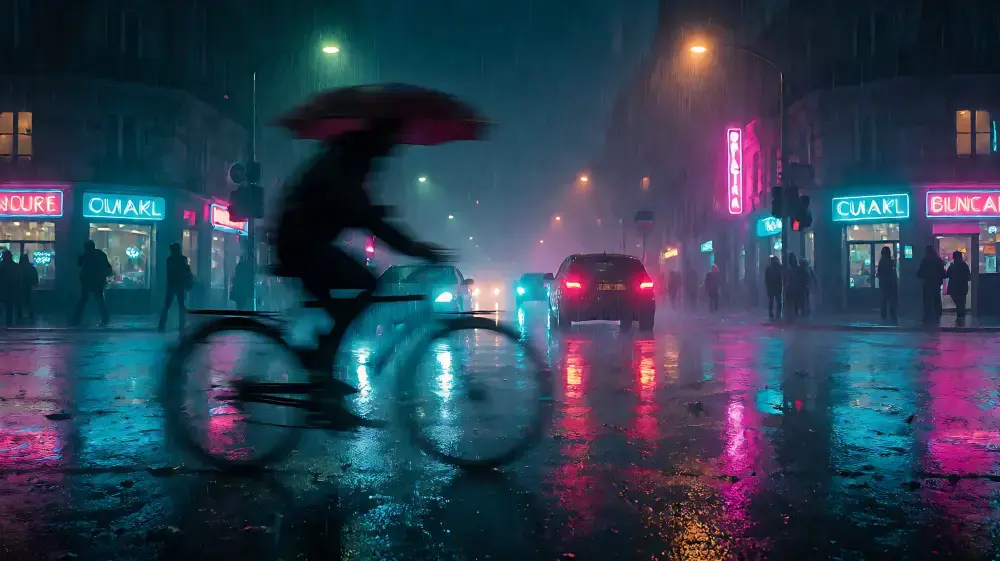
Cinematic by default.
Every clip renders with film-grade light, motion and detail — describe it, and this is the league you play in.
Frequently Asked Questions
Is this video generator really free?
Yes — no signup, no watermark, no trial limits. Fair-use queueing at peak hours keeps it free for everyone.
How do I animate my own photo?
Tap Settings, upload a photo, and describe the motion. Your photo is compressed in the browser, sent securely, animated by the AI, and the reference copy is deleted automatically after your video finishes.
What durations and formats are supported?
Clips of 5, 10, 15 or 18 seconds. Format is fully automatic — the system picks the fastest-rendering HD portrait size for your clip, no settings needed.
Who owns the videos I create?
You do — personal and commercial use. See the Terms page for details.
Why does generation take a few minutes?
Each clip renders on shared AI capacity. Your job queues fairly, renders, and the page checks back automatically — leave the tab open and watch the progress bar.
How long does AI video generation take?
Usually 2–6 minutes per clip on shared capacity — the page shows live progress with elapsed time. Short 5s clips finish fastest; 15–18s clips take longest.
Can I post AI videos on YouTube, TikTok and Reels?
Yes — clips download watermark-free in HD portrait format, made for Shorts, Reels and TikTok, and are yours for personal and commercial use.
Do I need to keep the tab open while rendering?
Yes — leave the tab open. If you reload or close it, the page automatically resumes your last task when you return.
More free tools, same page, zero signup
Everything on Clipaist is free — try the rest of the studio: